Platform Desktop MFA Client

Passwordless Desktop MFA

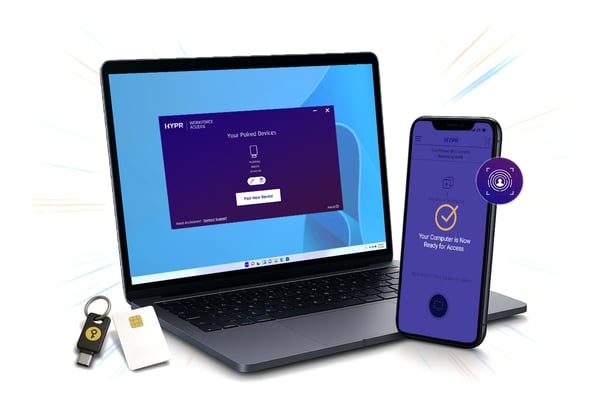
Solve your desktop MFA gap with a fast and easy passwordless user experience across Windows, Mac, Linux and virtual desktops.

HYPR_desktop_MFA

Security that Drives Enterprise-wide MFA Adoption


No Zero Trust or continuous adaptive risk and trust assessment (CARTA) strategy is complete without user-friendly desktop MFA. Your workstation is the very front door to the enterprise. Deploy passwordless and secure desktop MFA for everyone, everywhere in just days.

Securely Pair Multiple Devices with Your Workstation

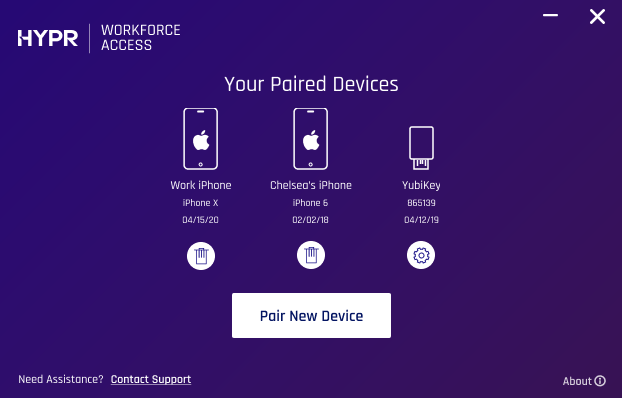
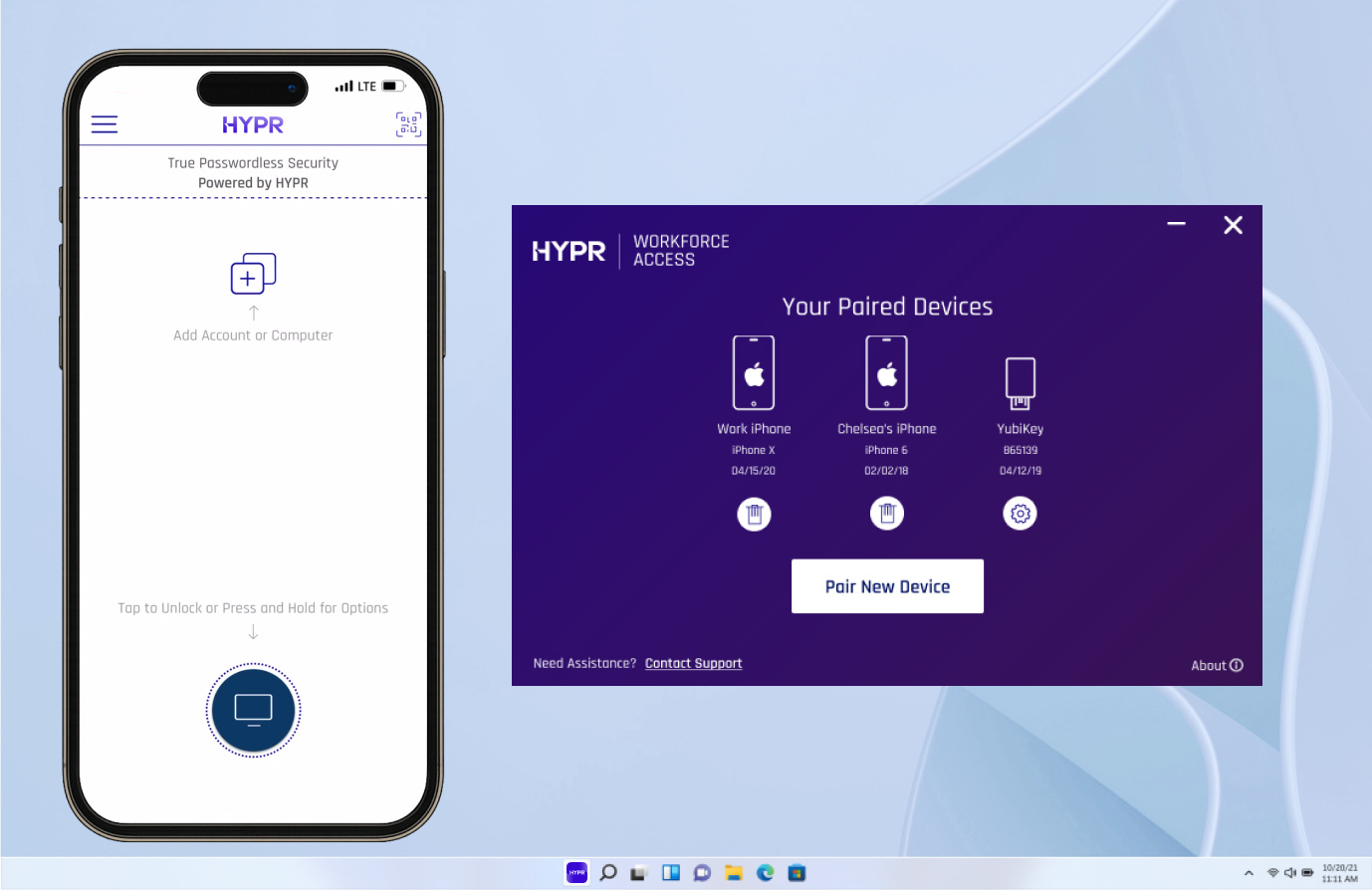
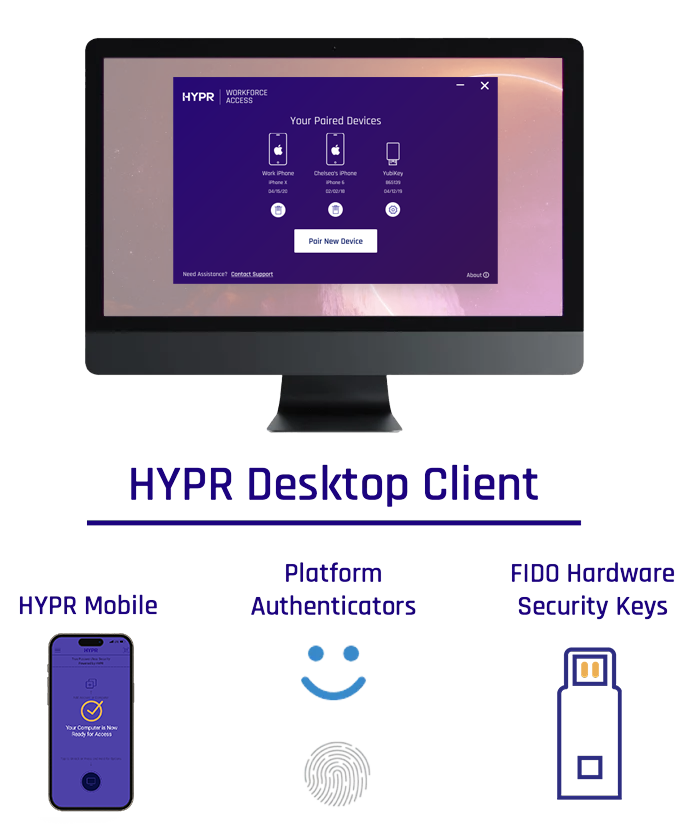
HYPR is an advanced credential provider unlike any other. It runs silently in the background and makes it easy for your users to enroll multiple mobile devices with their desktops and laptops.

Device paired with workstation
HYPR-DesktopMFA-1378x895_01-1

Offline Mode: Work During Your Commute or Travel

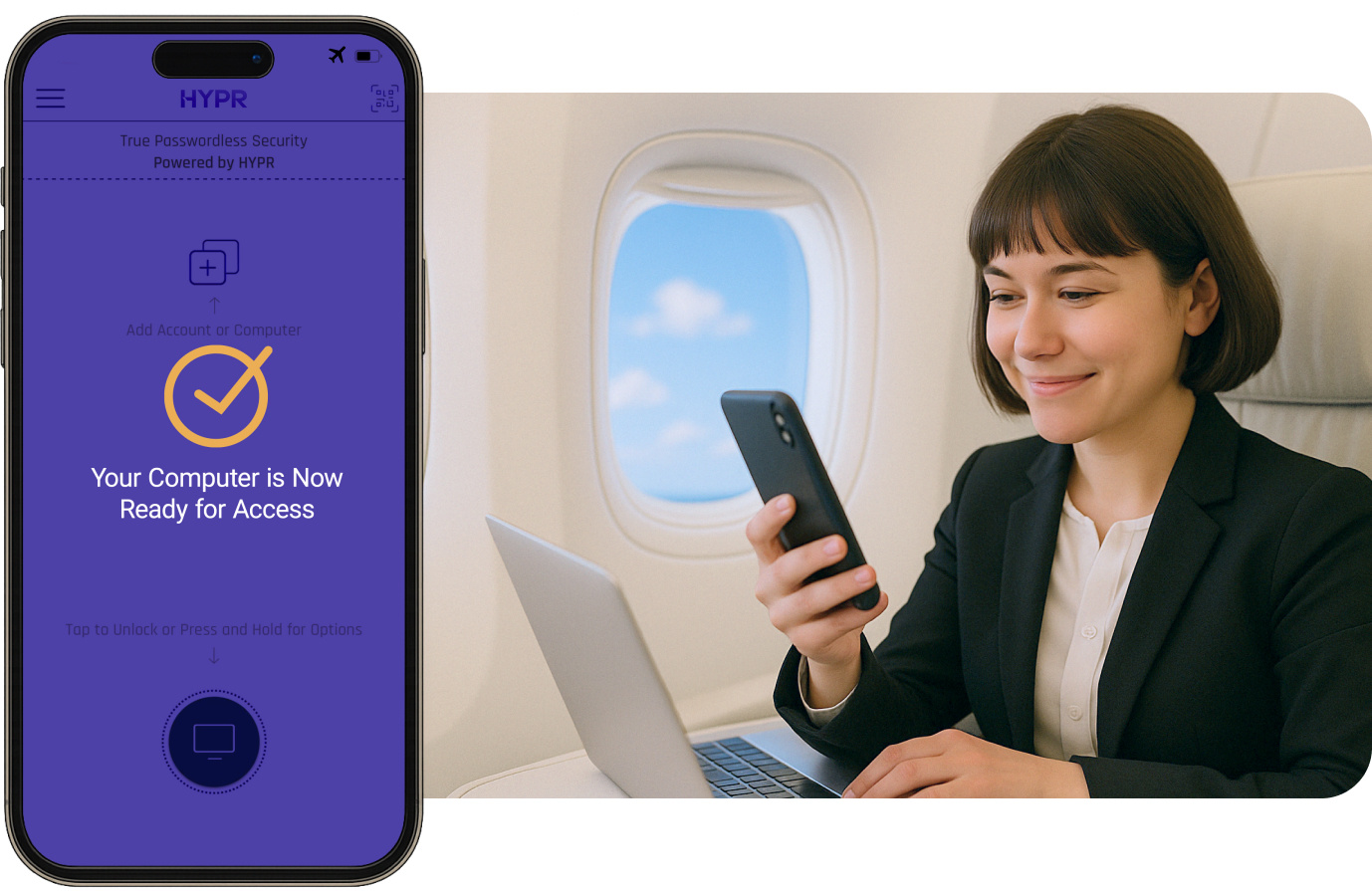
Don't limit your workforce productivity to a physical location or network connectivity. HYPR's passwordless MFA is so intelligent it works even when you're on a long airplane trip without WiFI.

Use Your Favorite Security Key

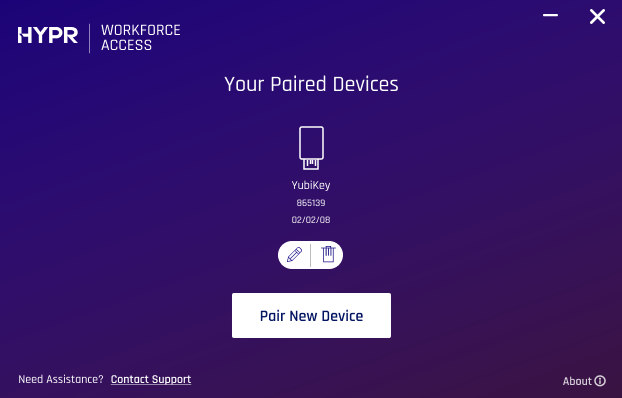
HYPR supports all U2F and FIDO2 keys so you continue to use existing passwordless methods or layer on additional security to better protect your enterprise.

HYPR-DesktopMFA-1378x895_02-1

HYPR Secures Virtual Desktops and Roaming Users

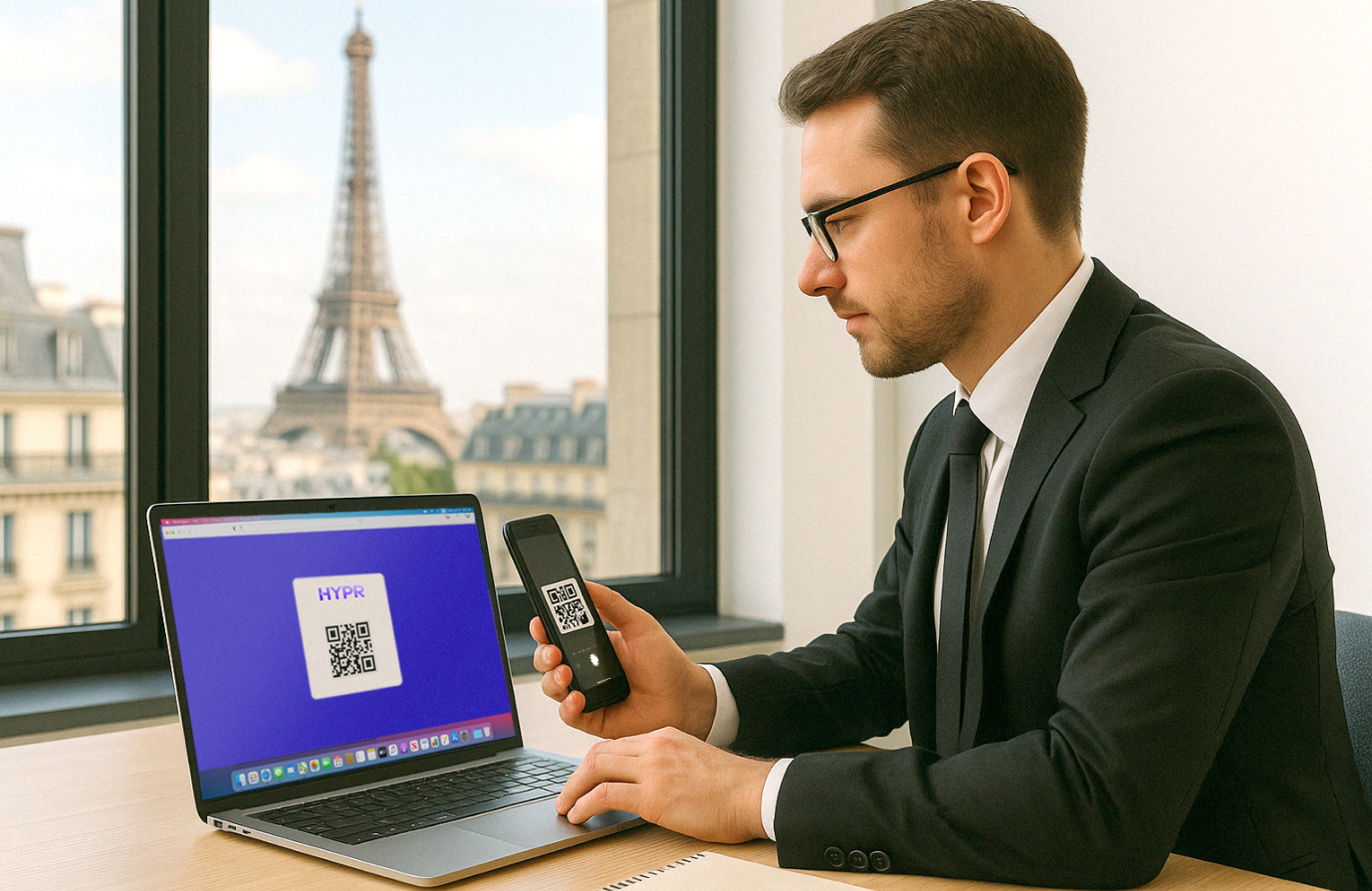
Enable users to register and pair with VDI workstations with a simple QR scan. HYPR helps people gain fast and secure access to files and apps as they work from anywhere in the world.

Onboard Users and Their Devices in Minutes

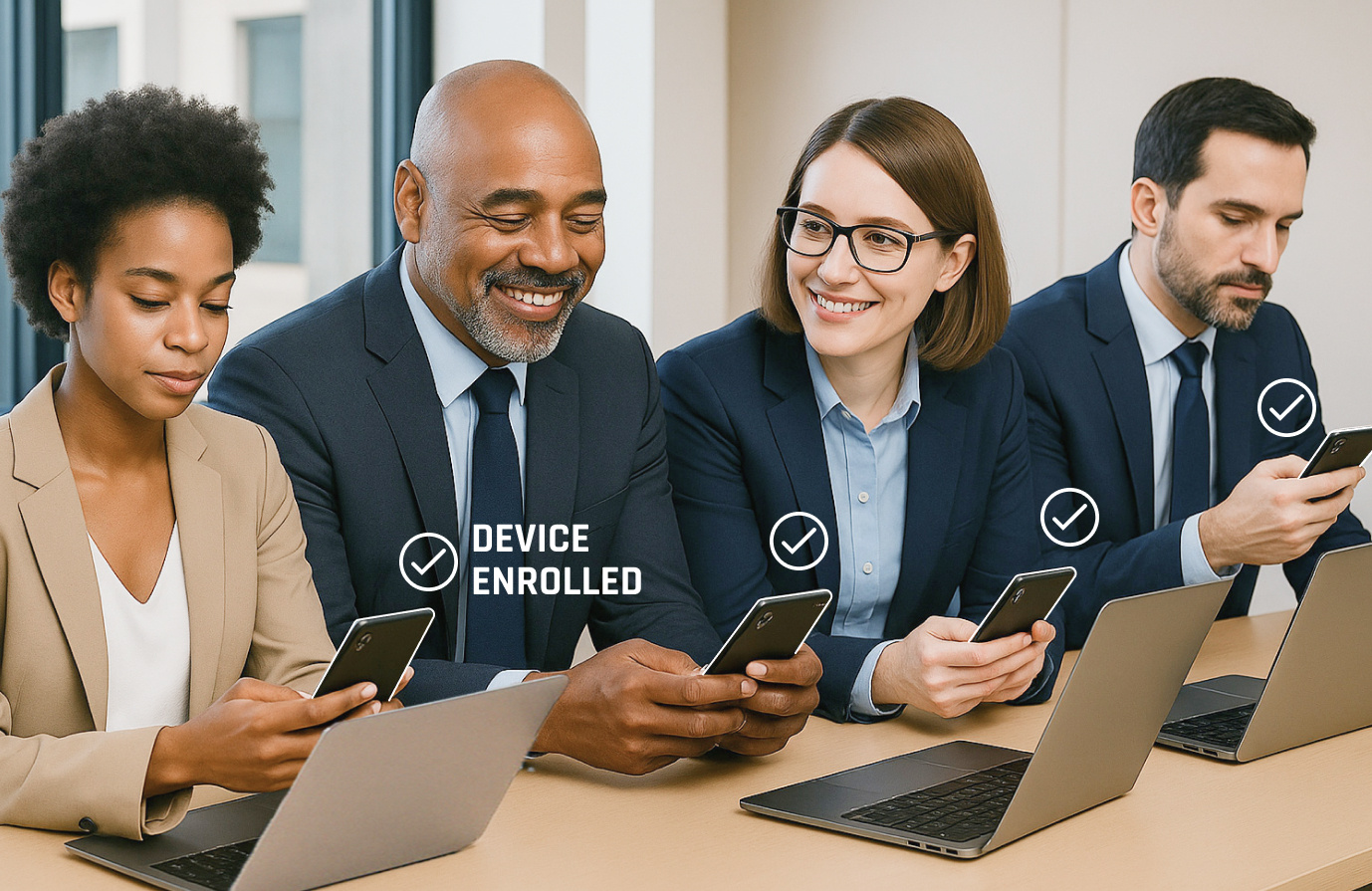
Our user experience teams work closely with enterprises to perfect the optimal user onboarding flow. HYPR makes it easy for your users to enroll multiple mobile devices with their desktops and laptops.

HYPR-DesktopMFA-1378x895_03-1

Secure Remote Desktop Login

Securing Remote Desktop Protocol (RDP) is a critical part of the administrator experience. HYPR enables secure passwordless MFA for RDP login, providing your workforce with fast and easy passwordless remote access wherever they are.

Turn Your Smartphone Into a Secure Passkey

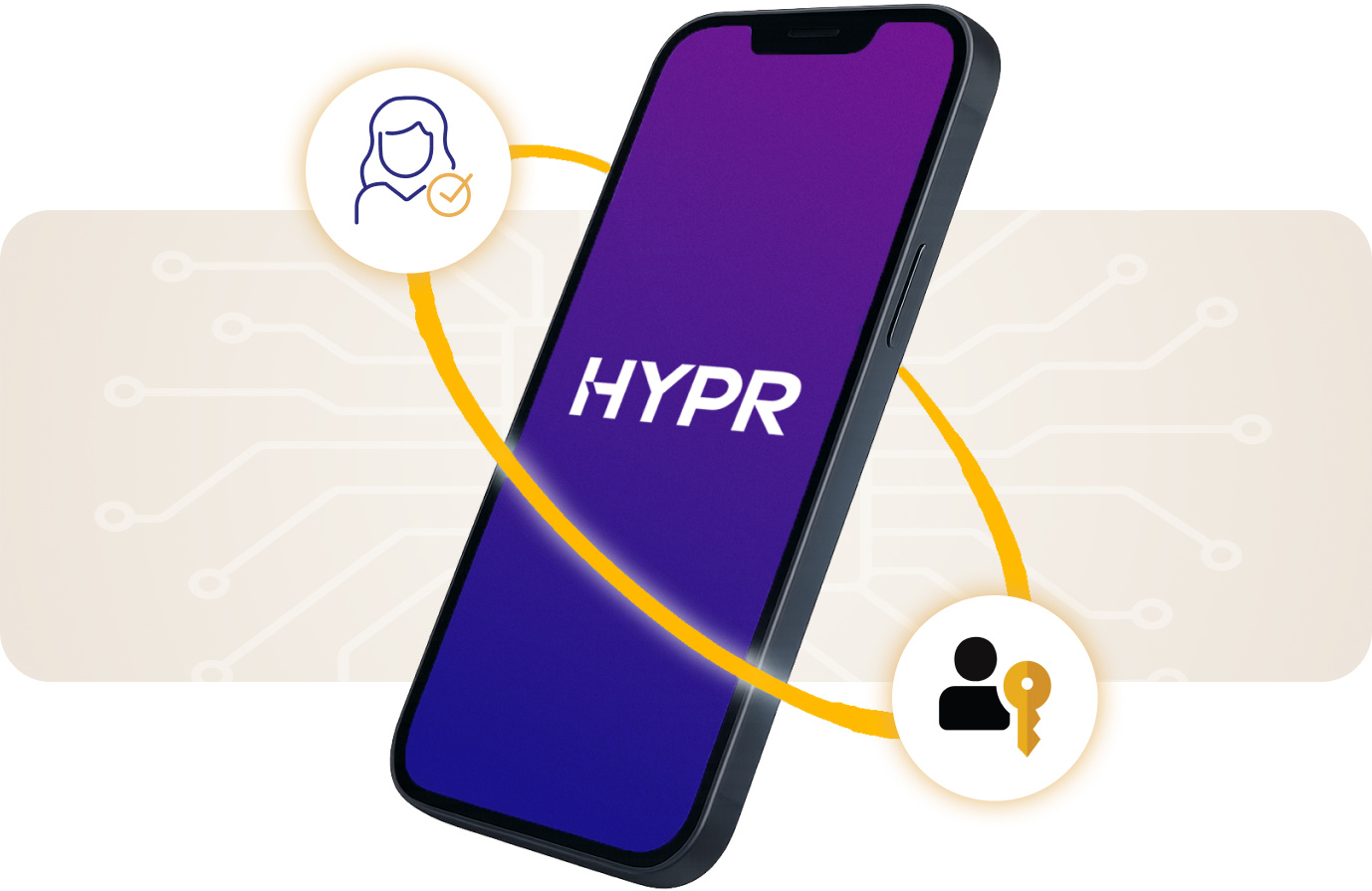
By combining public-key encryption with lightning-fast mobile-initiated authentication, the Desktop MFA Client enables passwordless login to all workstations through your mobile device.

HYPR-DesktopMFA-1378x895_04

Fall Back to Any FIDO Authenticator

No mobile device? No Problem. HYPR supports all built-in biometrics and platform authenticators such as Windows Hello as well as FIDO authentication tokens such as Google Titan and YubiKey.

hyprclient

Discover How Businesses Are Eliminating Passwords


    Alyson Ruff
    We talked for the longest time, for years, about the future. And, it’s not the future anymore. It’s here…We are passwordless.
    Alyson Ruff
    Cyber Security Director of Identity and Access Management and Governance, Otis Elevator
    Abbie Barbir
    HYPR has brought passwordless authentication to the mainstream. The emphasis on security and user experience allows companies to tackle account takeover fraud at a scale never before possible.
    Abbie Barbir
    Senior Security Architect, Aetna CVS Health
    Learn More
    HYPR's technology is a smart way to keep critical data where it belongs - close to the customer.
    Executive Vice President, Mastercard
    Learn More
    Clint Hardison
    We weren't just looking for MFA. We needed phishing-resistant authentication that did not confuse users or fragment the experience. Tying it into our existing identity stack made it rollout simple and enforcement consistent.
    Clint Hardison
    Navy Federal Credit Union

Frequently Asked Questions About Desktop MFA

Desktop multi-factor authentication, or MFA, is a security measure that requires users to provide two or more verification factors to gain access to their desktop environments or applications. The factors typically include something you know (like a password or PIN), something you have (such as a smartphone app that generates push notifications or one-time codes), or something you are (biometric authentication like a Face ID or Touch ID scan).

Logging into a desktop provides access to a myriad of data and applications. Users may save confidential data or files on the local drive; there may be passwords for sites and applications stored or cached in the browser; communication apps on a device, such as WhatsApp or Slack, can be used to elevate attacks. The often overlooked attack vector is our first login of the day — the desktop. By implementing desktop MFA and adding an extra layer of security, organizations can make it much harder for unauthorized users to access sensitive information or systems.

There are a mix of technical constraints, user behavior challenges, and legacy infrastructure limitations that often make implementing desktop MFA quite difficult. Some of the typical challenges with implementing desktop MFA are:

  • Desktop MFA solutions must be compatible with a variety of operating systems or device types

  • Legacy desktop authentication systems weren’t designed for modern MFA processes

  • Some authentication methods still rely on passwords, weakening overall security

  • MFA can fail or degrade in offline or pre-login scenarios

  • Securing RDP, VPN, and VDI environments adds integration complexity

  • Frequent authentication prompts create user friction and MFA fatigue

  • BYOD environments or multiple devices make identity binding inconsistent

  • Shared workstations can introduce more complexity

  • Lost device or recovery processes can cause lockouts or security gaps


HYPR provides phishing-resistant, passwordless MFA that offers major benefits to security, user experience, and enterprise scalability. Instead of logging in with a password, users invoke authentication using their smartphone or other designated device as a FIDO token. A biometric is used to verify user identity and authentication takes place using public key cryptography. The private key remains securely stored in the TEE or secure enclave — no password or shared secret is ever passed. 

HYPR’s desktop MFA is built on FIDO2/passkeys and public-key cryptography, helping organizations eliminate the use of passwords altogether. This leaves no passwords or shared secrets to steal, no credential databases to breach, and helps to prevent phishing attacks, credential stuffing, man-in-the-middle attacks, and MFA fatigue.

HYPR's passwordless approach also provides a faster and simpler login experience for users. By enabling mobile-initiated authentication and eliminating password resets and lockouts, organizations can save roughly 30% of time spent on login processes.

HYPR also secures the desktop MFA gap. While many MFA tools focus on web apps but leave the endpoint (laptop/desktop) exposed, HYPR's desktop MFA solution secures workstation login for all major devices and operating systems (Windows, Mac, Linux), protects remote desktop protocol (RDP) sessions, and covers virtual desktop infrastructure (VDI) environments. This closes a major gap in Zero Trust strategies, where the endpoint is often the weakest entry point.

Yes, HYPR provides an offline access mode which relies on securely generated one-time PINs stored in the TPM or secure enclave. This provides users with consistent, secure access to their desktop environments when traveling or other times when they do not have reliable connectivity. You can learn more about HYPR's Passwordless Offline Mode here.

Related Resources

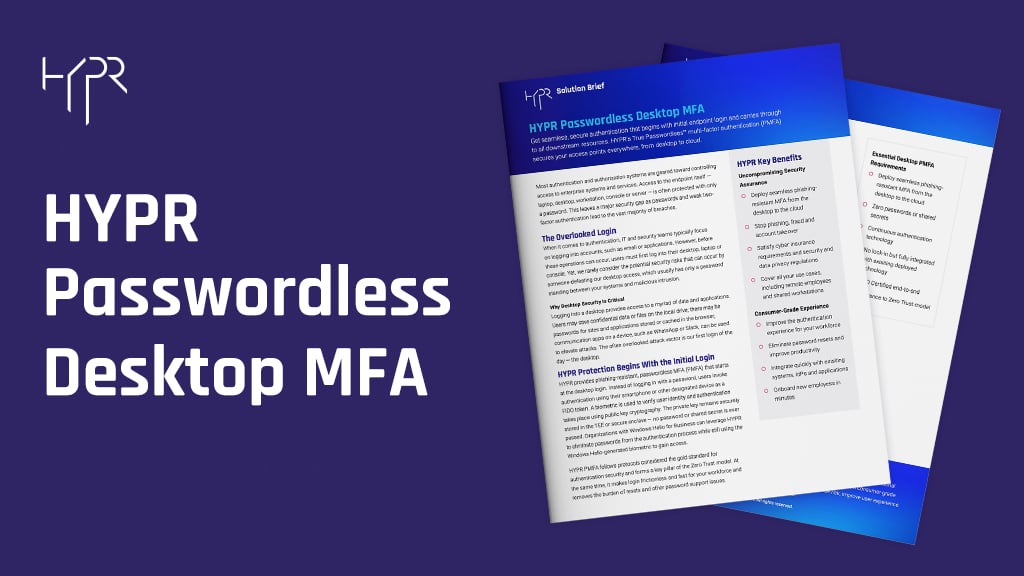
Solution Brief
Desktop MFA

Desktop MFA

Learn more about the importance of desktop security and how HYPR helps.

Guide
Passwordless Security Evaluation Guide

Passwordless Security Evaluation Guide

12 key considerations when choosing passwordless authentication.

On-Demand Webinar
Authentication Advances in Banking

Authentication Advances in Banking

How passwordless MFA can counter emerging cyberthreats in the finance industry.

Request a Demo


Experience passwordless desktop MFA that secures and empowers your business. See what identity verification built for the workforce looks like. Learn how comprehensive Identity Assurance protects the entire identity lifecycle.

Fill out the form to get a demo from an identity security expert, customized around your organization’s environment and needs.