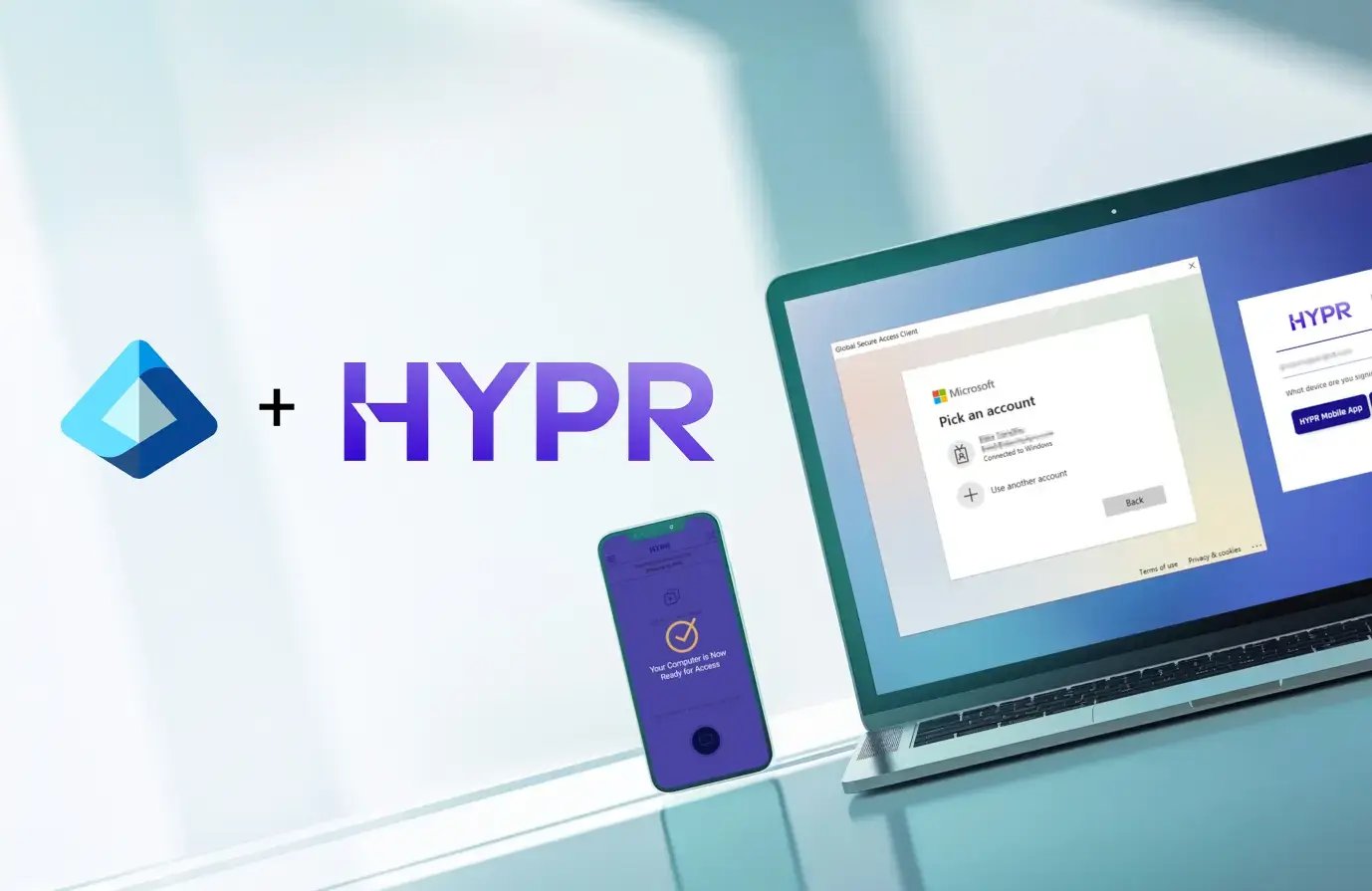
Platform HYPR + Entra ID (Azure) Integration
Passwordless Authentication for Microsoft Entra ID
Identity assurance is the one layer Microsoft doesn't provide. From onboarding to recovery, HYPR helps you tie verified human identity to every access decision across every enterprise-scale system and workflow.
You standardized on Microsoft.
You’re still not passwordless.
Your Entra ID license gives you a foundation.
HYPR turns that foundation into assurance - closing recovery paths, fallbacks and workflows Microsoft does not support.
Attackers aren’t breaking Microsoft. They’re bypassing it
Microsoft Entra (formerly Azure Active Directory) and Windows Hello for Business are strong foundational controls. At enterprise scale, they don’t cover every device, workflow, or recovery path, including:
- Password resets and account recovery
- Help desk workflows
- Temporary access passes
- Legacy MFA still enabled “just in case”
- Break-glass and exception paths
These flows almost always coexist with WHfB - and without HYPR, they are your threat vector.
Where Microsoft Stops - and Enterprises Don’t
WHfB assumes a homogeneous Windows environment. Real enterprises have:
- Macs, Linux, mobile, and VDI
- Shared and frontline devices
- Hybrid and non-Microsoft apps
HYPR delivers FIDO-based, device-bound passkeys integrated with Entra. Your E5 investment works harder. Your identity perimeter gets smaller.
Identity Checks Where Attacks Actually Happen
Most attacks succeed during recovery and exception workflows - not standard sign-in. In Microsoft environments, these paths still rely on:
- Passwords and OTPs
- PINs and knowledge-based checks
- Manual help desk decisions
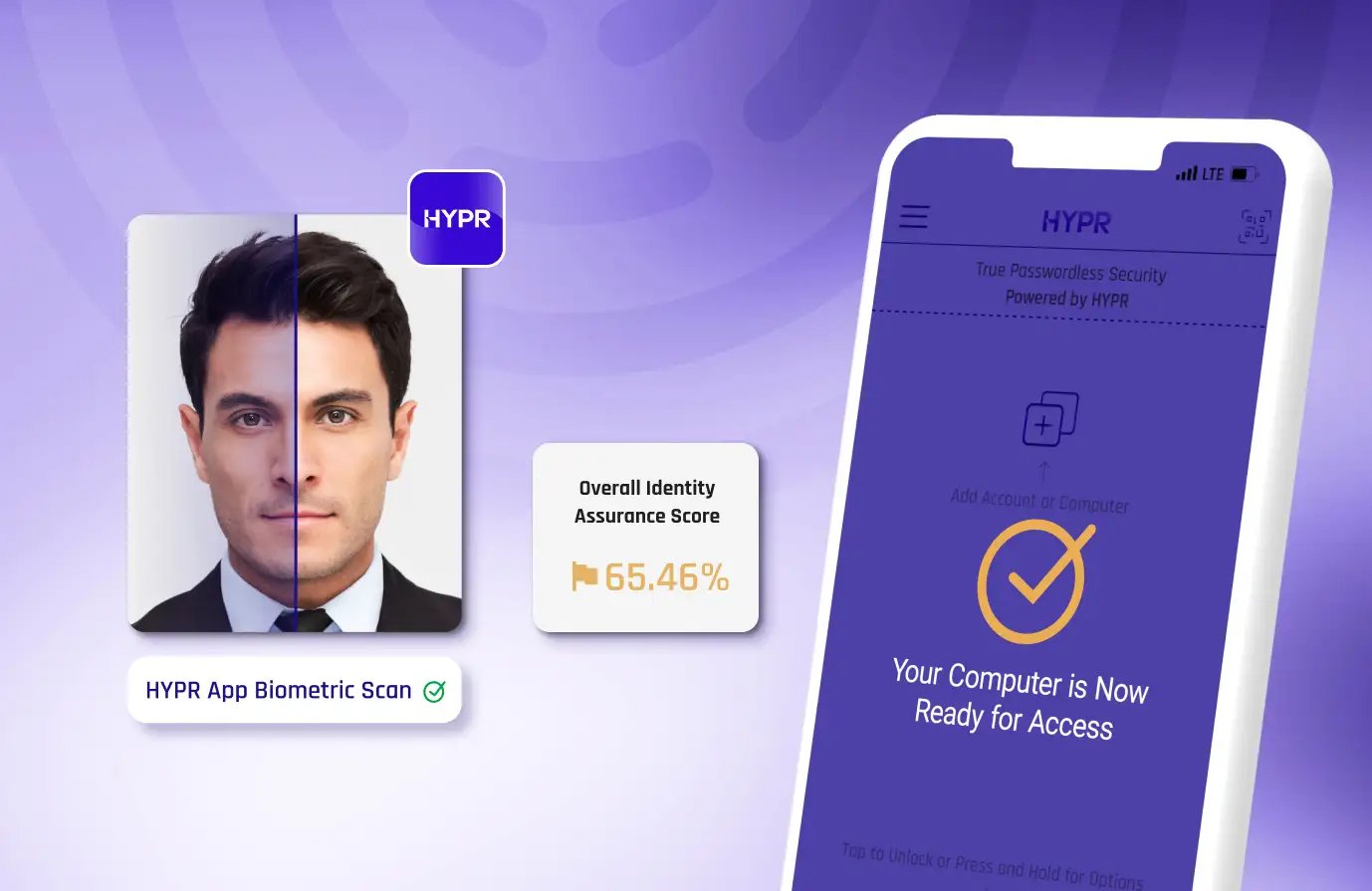
HYPR Affirm enforces real identity re-verification at every vulnerable point: including account recovery, step-up, and help desk workflows.

When Passwordless Isn’t Consistent, Users Find a Way Around It
Passwordless only works if it works everywhere. In Microsoft-only deployments, users often face:
- Different sign-in methods by device or app
- Complex enrollment and recovery steps
- Failures that send them to the help desk
- “Temporary” access paths that become permanent
HYPR delivers a single, consistent passwordless experience across devices, browsers, and apps, so security doesn’t depend on user behavior.
HYPR External Authentication Methods (EAM) Integration
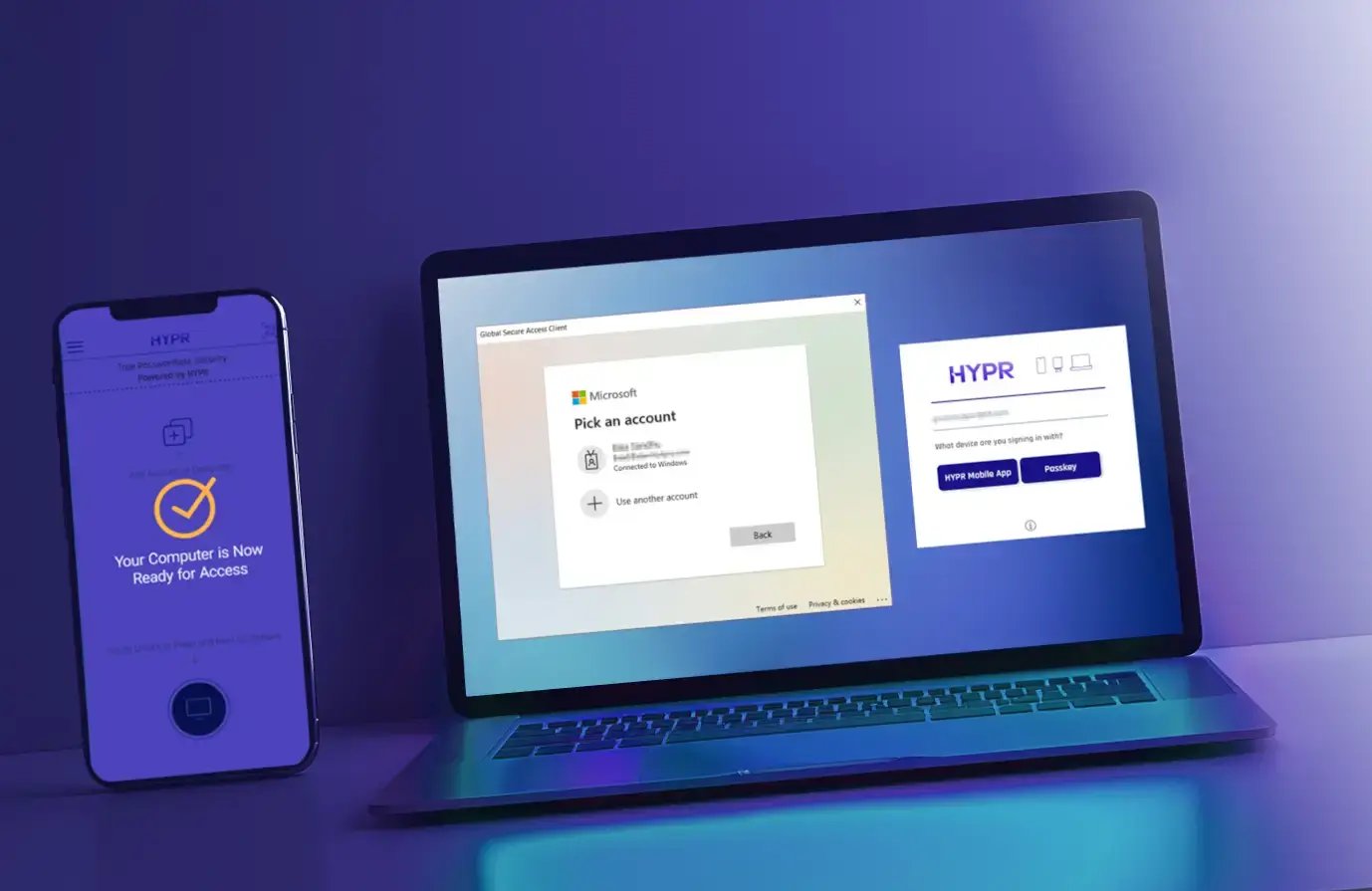
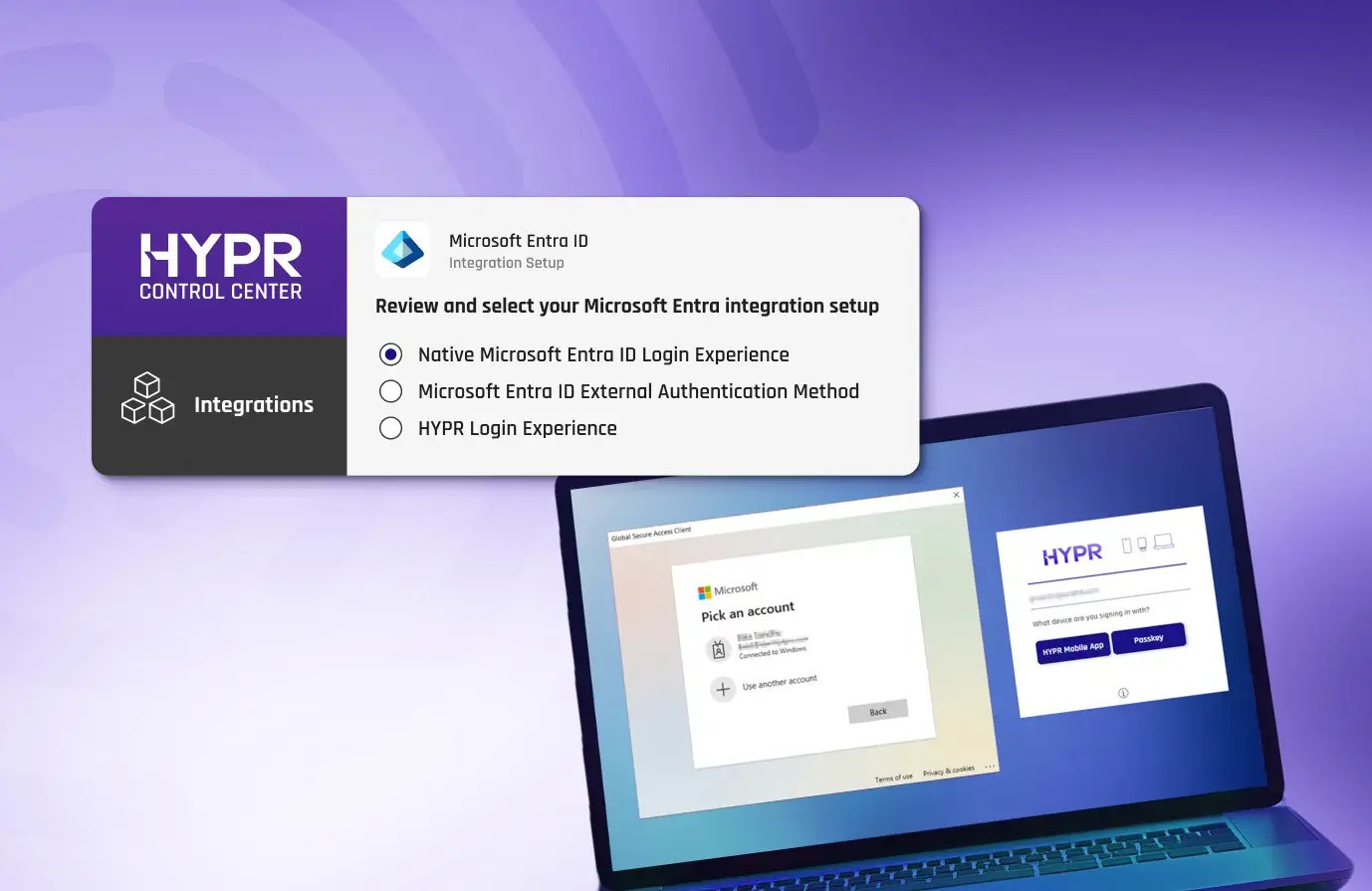
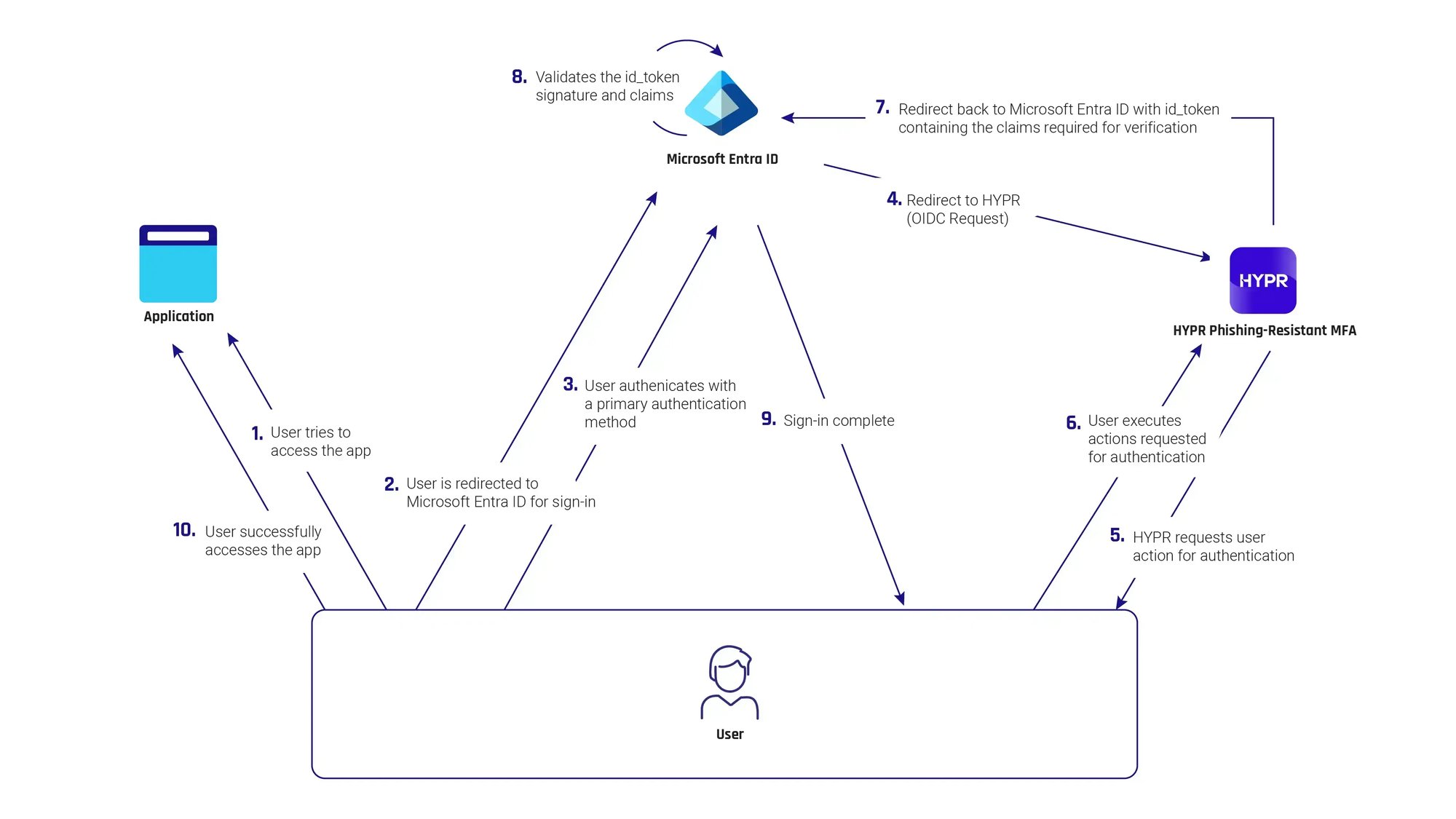
HYPR is an external authentication method (EAM) partner for Entra ID. With the HYPR–EAM integration, organizations can seamlessly use HYPR's phishing-resistant authenticator for their Entra ID multifactor authentication method, in Entra ID Conditional Access policies, Privileged Identity Management (PIM), and for Identity Protection sign-in risk policies.
How the HYPR Entra ID EAM Integration Works
HYPR Enterprise Passkeys for Entra ID
Turn your smartphone into a FIDO device-bound passkey built for your Microsoft environment. HYPR Enterprise Passkeys provide the assurance of hardware keys, the convenience of a mobile app, and the features and flexibility that enterprises require.
- Prevent ATO with Microsoft-validated, FIDO2 passwordless MFA
- Enable easy, self-service passkey provisioning
- Enforce phishing-resistant MFA across your organization, from desktop to cloud, across Entra and hybrid environments
- Attest to passkeys provenance and ensure they never leave the registering device
- Authenticate once to gain access to Entra ID and all downstream apps.
“Password elimination is core to our vision for a secure Azure ecosystem. HYPR has proven to scale as a leader in Passwordless security, and an enabler of our shared vision for a world without passwords.”Ann JohnsonCorporate Vice President Cybersecurity Solutions, Microsoft
We are excited to be working with HYPR to provide a modern approach to passwordless that delivers high levels of assurance with a simple and frictionless experience."Susan BohnVice President of Product Management, Microsoft
The integration of Entra ID external authentication methods with HYPR provides our customers with the flexibility to employ their preferred MFA methods, including phishing resistant MFA, to defend their environments against evolving threats.Natee PretikulPrincipal Product Management Lead, Microsoft Security
Technical Deep Dive
Explore HYPR’s architecture, protocols, and security model in depth. This technical module walks through how HYPR eliminates shared secrets, implements phishing-resistant FIDO authentication, and integrates with modern identity platforms.
With HYPR's integration for Entra ID, you drastically reduce your attack surface while making login faster and simpler for your users. It turns an ordinary smartphone or other device into a FIDO Certified, PKI-backed security key for a frictionless, phishing-resistant login from desktop to cloud. Transitioning to HYPR's passwordless authentication can significantly enhance both security and usability for organizations using Entra ID. The main benefits include:
- Enhanced Security: HYPR offers a true passwordless authentication experience, drastically reducing the risk of phishing attacks, credential stuffing, brute force login attempts, and other common password attacks.
- Improved User Experience: Without the need for passwords, users can sign in quickly and easily, leading to a smoother and more convenient login experience.
- Reduced IT Burden: Password-based systems place a heavy burden on security teams, who must set and inform users about policies, ensure high levels of security around storage, and manage resets.
- Device and OS Flexibility: Microsoft's native authentication methods often struggle with devices using non-Windows operating systems or multiple device types.
- Compliance Readiness: HYPR Authenticate adheres to regional, national and global security regulations and guidelines including PCI DSS, PSD2, CISA, OMB and others.
Microsoft's native authentication methods and Windows Hello for Business were primarily built for organizations operating in Windows-centric, single-device environments. For organizations using different operating systems, device types, shared environments, or remote workforces, Microsoft's native authentication methods often struggle with:
-
Shared access environments (kiosks, call centers, shared workstations, frontline terminals, VDI, and remote access platforms (Citrix, VMware, AVD)
-
Non-Windows and mixed OS fleets (macOS, Linux, mobile)
-
Browser-based authentication and SaaS access
-
Recovery, step-up, and exception paths (offline mode)
You can learn more about common Windows authentication challenges in this article.
HYPR enforces consistent passwordless authentication methods across all devices, environments, and recovery scenarios, and eliminates shared secrets end-to-end, not just in the primary login flow.
Request a Demo
Experience passwordless MFA that secures and empowers your business. See what identity verification built for the workforce looks like. Learn how comprehensive Identity Assurance protects the entire identity lifecycle.
Get a demo from an identity security expert, customized around your organization’s environment and needs.