Platform HYPR + Okta Integration

Passwordless Authentication for Okta

Secure your Okta environment with the HYPR Identity Assurance Platform and experience the highest level of identity security.

HYPR introduces phishing-resistant, passwordless MFA to your Okta SSO, eliminating passwords and fortifying your defenses against account takeovers and unauthorized access.

Okta-Hypr-integration-hero

Extend Your Investment in Okta

Through our close integration, HYPR’s native plugins enable passkey-based, phishing-resistant login for Okta environments including single sign-on, Desktop MFA and mobile-to-web authentication.


Unlock the Power of HYPR Passwordless Authentication:

  • Interoperability with FIDO U2F security keys such as YubiKey, and built-in platform authenticators such as Windows Hello.
  • Cross-cloud, cross-platform passwordless login to Windows, MacOS, Linux and VDI workstations.
  • Full protection against man-in-the-middle (MitM), credential stuffing, phishing and push bombing attacks.
  • Ease of deployment and use by admins and end users alike.
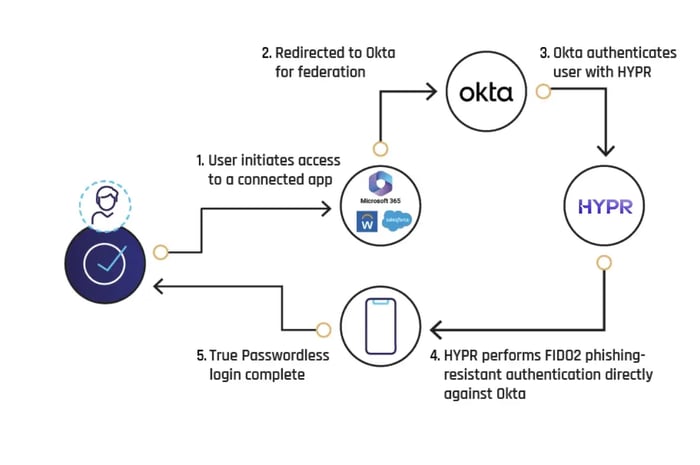
HYPR-UpdatedDiagram-Okta

Secure, Single Action Login to Okta

Desktop SSO with HYPRspeed. From Okta, you authenticate once using HYPR to gain access to Okta and all downstream apps.

If you already signed into your desktop with HYPR, then the authenticated identity is automatically passed to Okta. No additional verification steps, unless step-up authentication is required.

Secure Identities from End to End
From Day Zero

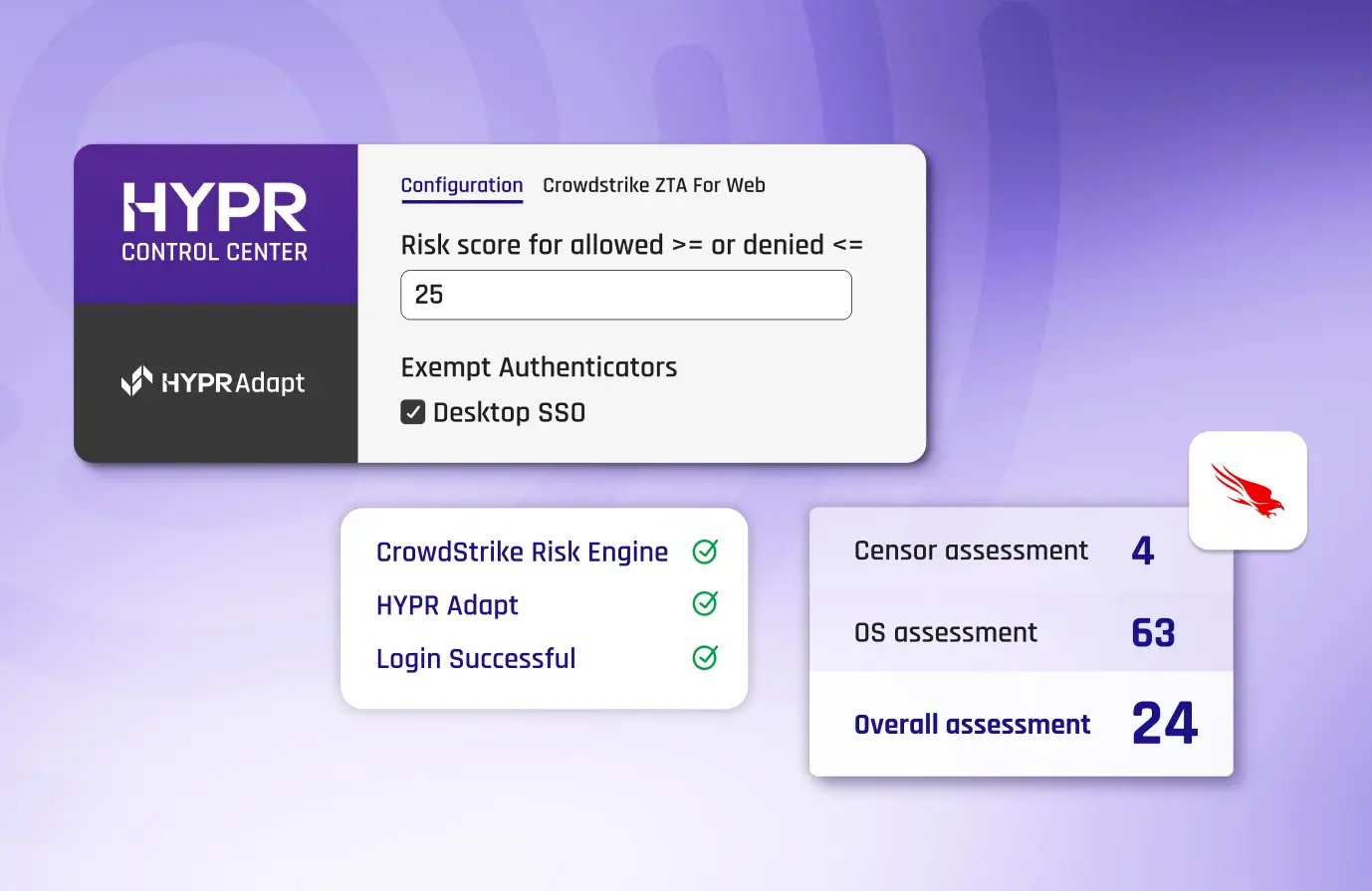
  • Reactive Risk Policy Engine: Push your security infrastructure further with a policy engine that integrates data from endpoints, browsers, and various security tools to deploy adaptive risk mitigation strategies, dynamically countering threats in real time.
  • Integrated Identity Verification: From self-service all the way to manager video approval, our completely customizable identity verification processes guarantee access exclusively to authorized users.

Leading Companies Secure Their Identities With HYPR


  • stars1
    Image

    HYPR has made the login experience seamless for my team. It was quick and easy to set up for our Okta users, and I appreciate that we can configure it to allow users to log in once at the workstation level, then seamlessly access our SSO without needing additional authentication.

    Image
    IT User
  • stars1
    Image

    HYPR is easy to manage. My end users love using HYPR to login to their computers.

    Image
    Shane C.
    Cybersecurity Administrator
  • stars1
    Image

    The multifactor solution for iPhone and Android is bar none for corporate environments. Users have one app for all their MFA. Integrates with all of our tools using SAML.

    Image
    Manufacturing User
  • stars1
    Image

    The team at HYPR goes above and beyond to make sure our deployment is successful. The focus on end user experience is key.

    Image
    Financial Services User
  • stars1
    Image

    I like how HYPR works across multiple platforms seamlessly. I use it on a daily basis with my iPhone and work computer.

    Image
    Automotive User
HYPRG2Spring2026
  • Company Logo
  • Company Logo
  • Company Logo
  • Company Logo
  • Company Logo
  • Company Logo

Integration Guides

Dive into our documentation on integrating HYPR with Okta today.

Frequently Asked Questions

With HYPR's integration for Okta, you drastically reduce your attack surface while making login faster and simpler for your users. It turns an ordinary smartphone or other device into a FIDO Certified, PKI-backed security key for a frictionless, phishing-resistant login from desktop to cloud. The main benefits include:

  1. Separating your IdP from authentication: SSOs are effective services for easing workflows and managing access to a user's suite of applications; however, this places a significant target on its back for attackers seeking access to those user privileges. Separating the authentication providers from SSO providers and using a more secure passwordless authentication solution makes it more difficult for attackers to bypass.  
  2. Implementing phishing-resistant passwordless MFA: One of the major Okta security issues is how easily attackers can phish, intercept or bypass MFA security that uses SMS, OTPs or push notification. By removing passwords and phishable factors, and authenticating using biometric identifiers and public key infrastructure (PKI), you eliminate the potential for phishing, MFA bombing and man-in-the-middle attacks.
  3. Protecting desktop login or offline users: Okta's more secure authentication methods do not easily extend to desktop login, VPN access or remote situations. With HYPR, you can ensure you have identity security processes in place to cover all use cases and user populations.
  4. Deploying continuous identity verification: HYPR utilizes multi-layered, risk-based identity verification that combines a series of factors such as location, behavior, document verification and face recognition so that you can be certain that an identity is genuine.
Okta offers customers multiple forms of authentication for services so that organizations can enforce MFA. The most widely used forms include temporary codes delivered over SMS through Twilio or authenticator apps, though even with these MFA options enabled, attackers can break in fairly easily, gaining wholesale access to connected accounts and applications. Because Okta's security approach is predicated on shared secrets, these authentication methods can be phished or intercepted through a number of different techniques.

The other major risk associated with Okta's native authentication methods is that using an identity provider to log in to the same identity provider creates significant risk for access. Implementing a third-party, phishing-resistant, passwordless MFA solution like HYPR helps mitigate the centralized risk within your Okta environment by removing the authentication burden from the SSO.

Additionally, some of Okta's more secure authentication methods are not compatible with modern workforce arrangements: desktop logins, offline users, VPN access, or remote work scenarios. HYPR provides flexibility to ensure your authentication methods cover all of your use cases.
Two-factor authentication (2FA) still uses a password as one of its factors, which can be breached or stolen. Moreover, the second factor is usually an OTP code or push notification, which can itself be phished or bypassed. Passwordless systems eliminate password management completely and use no shared credentials in the authentication process, so there is nothing to be breached or stolen.
HYPR provides a number of FIDO2-certified passwordless methods to authenticate user identity, including the HYPR Mobile App or passkeys such as biometric authentication, facial recognition scans, hardware authenticators, or physical security keys. You can learn more about different authentication methods and HYPR's Okta integration in our docs.

Related Resources

Blog
How to Improve Okta Security

How to Improve Okta Security

Learn best practices to strengthen Okta authentication security in your organization.
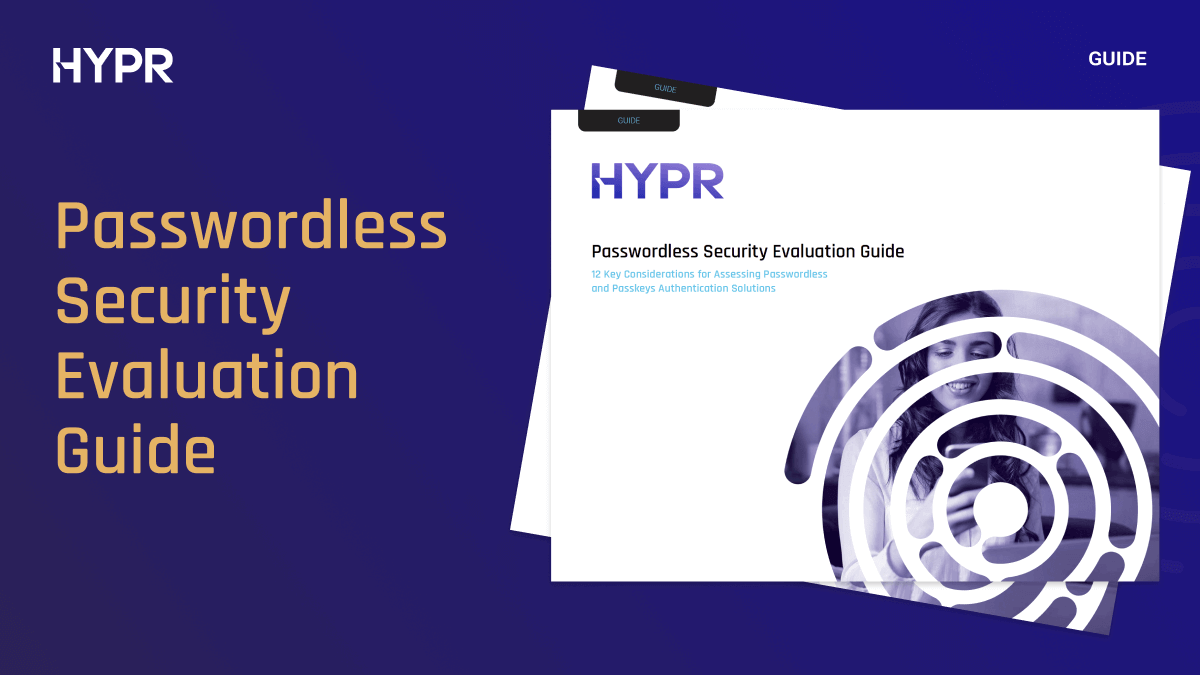
Guide
Passwordless Security Evaluation Guide

Passwordless Security Evaluation Guide

12 key considerations when choosing passwordless authentication.
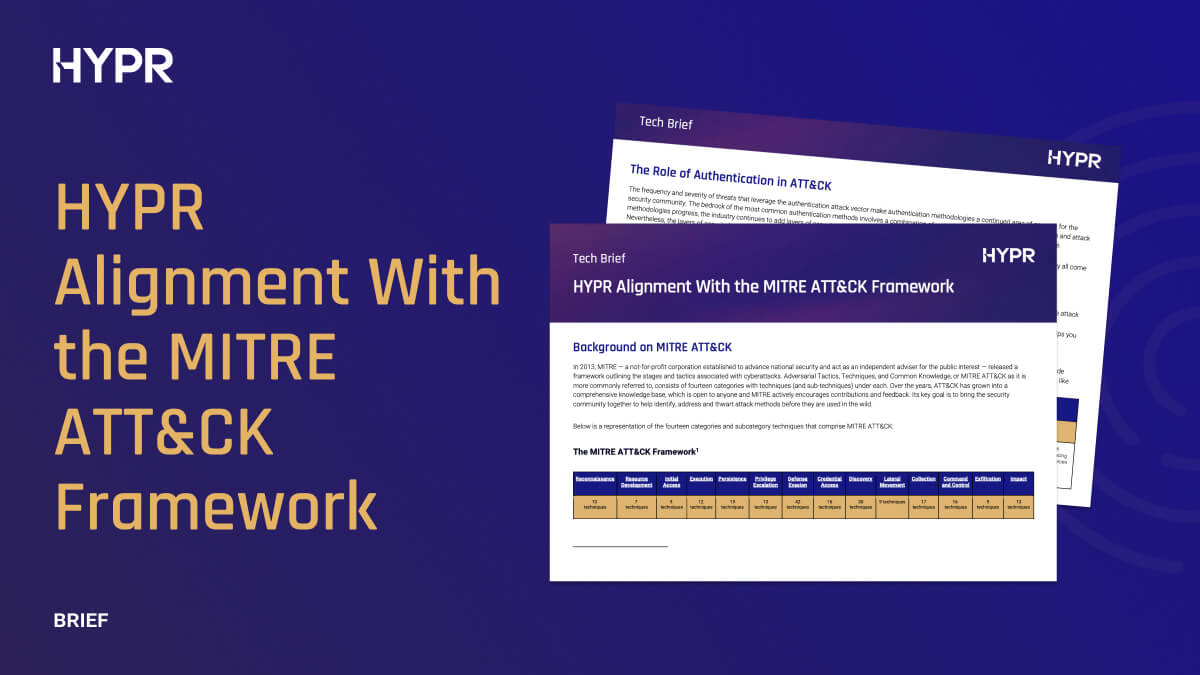
Tech Brief
MITRE ATT&CK

MITRE ATT&CK

Learn the authentication-related MITRE ATT&CK categories and how to counter them.

Go Passwordless with Okta

Experience passwordless MFA that secures and empowers your business. See what identity verification built for the workforce looks like. Learn how comprehensive Identity Assurance protects the entire identity lifecycle.

Fill out the form to get a demo from an identity security expert, customized around your organization’s environment and needs.

Request a Demo


Experience passwordless MFA that secures and empowers your business. See what identity verification built for the workforce looks like. Learn how comprehensive Identity Assurance protects the entire identity lifecycle.

Fill out the form to get a demo from an identity security expert, customized around your organization’s environment and needs.