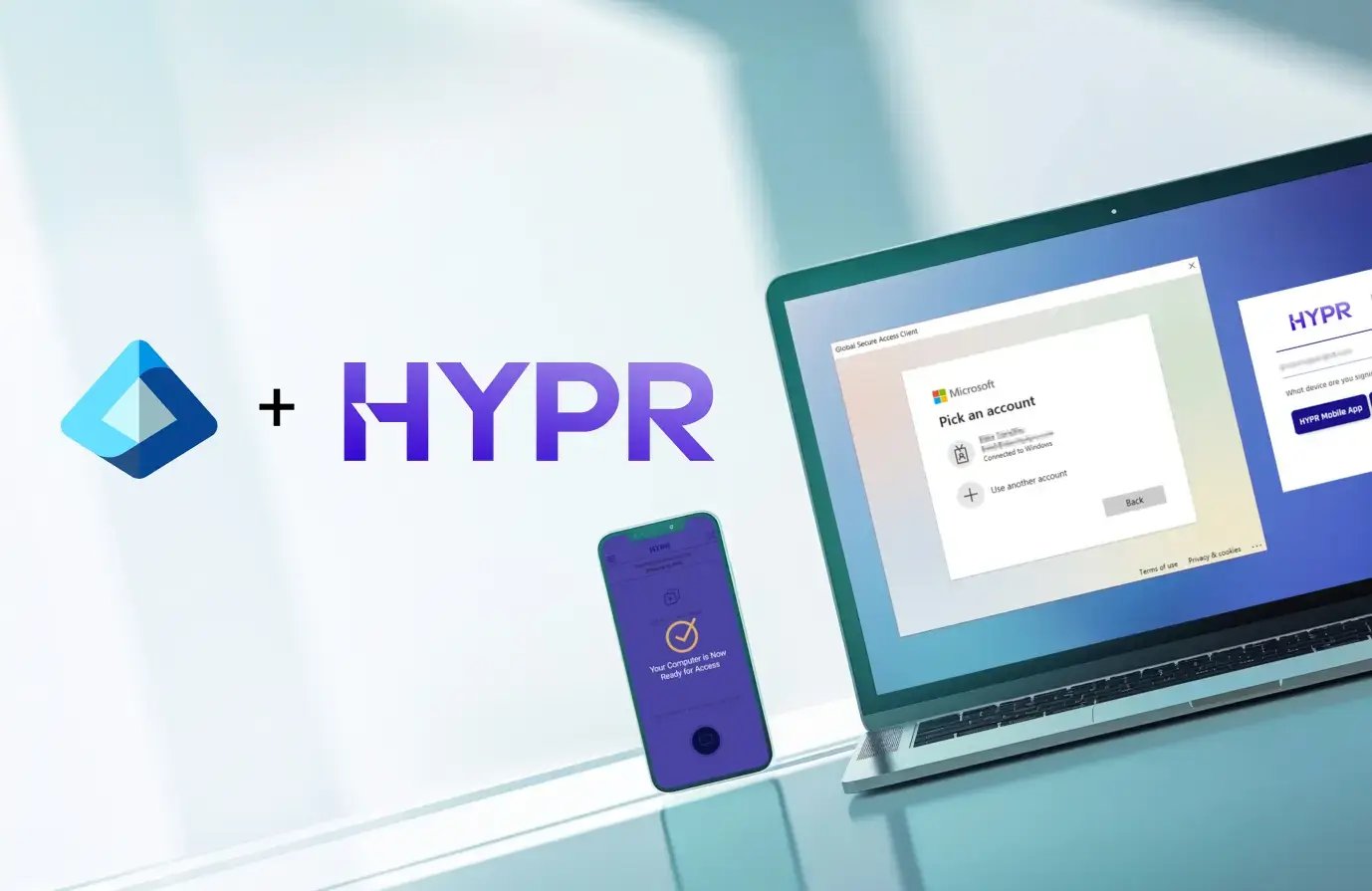
Platform HYPR + Entra ID (Azure) Integration

Identity Assurance for Microsoft Entra ID

Microsoft Entra ID provides a strong foundation for modern identity. HYPR extends that foundation with enterprise-scale Identity Assurance across the complex environments, edge cases, and workflows found in every enterprise.

You standardized on Microsoft.
Now make passwordless work everywhere.

HYPR builds on your Microsoft investment by helping organizations extend phishing-resistant authentication across recovery, shared workstations, macOS, legacy environments, and other enterprise workflows.


Enterprise passwordless extends beyond Windows Hello for Business

Microsoft Entra ID and Windows Hello for Business provide a strong foundation for phishing-resistant authentication. Enterprise passwordless also depends on the operational workflows that surround authentication. HYPR helps organizations secure these workflows with the same level of assurance as primary authentication.

  • Account recovery and password resets
  • Help desk identity verification
  • Temporary access passes
  • Legacy fallback methods
  • Break-glass and exception workflows

HYPR extends passwordless assurance across these operational workflows, eliminating the need to rely on less secure fallback authentication.

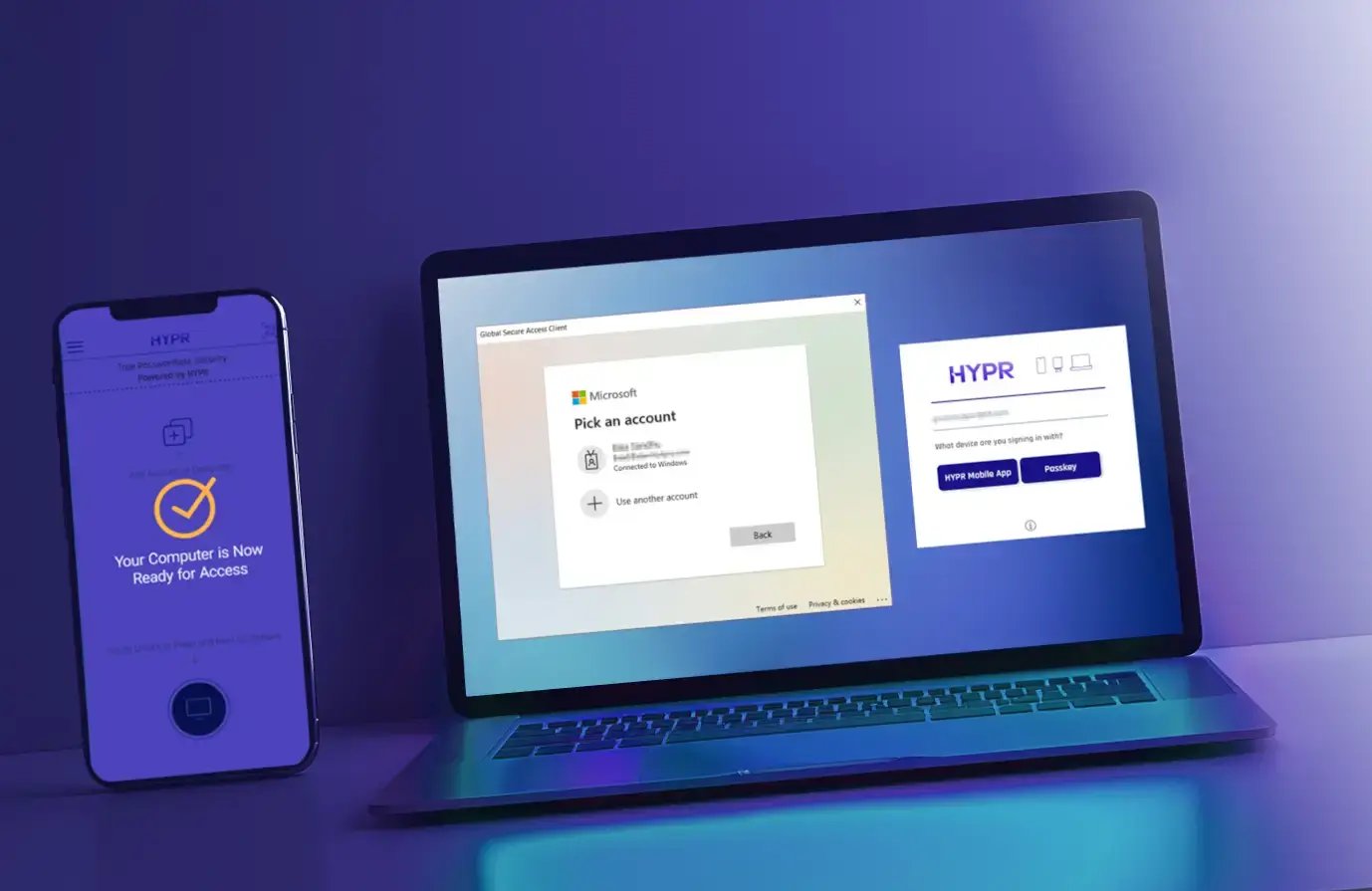
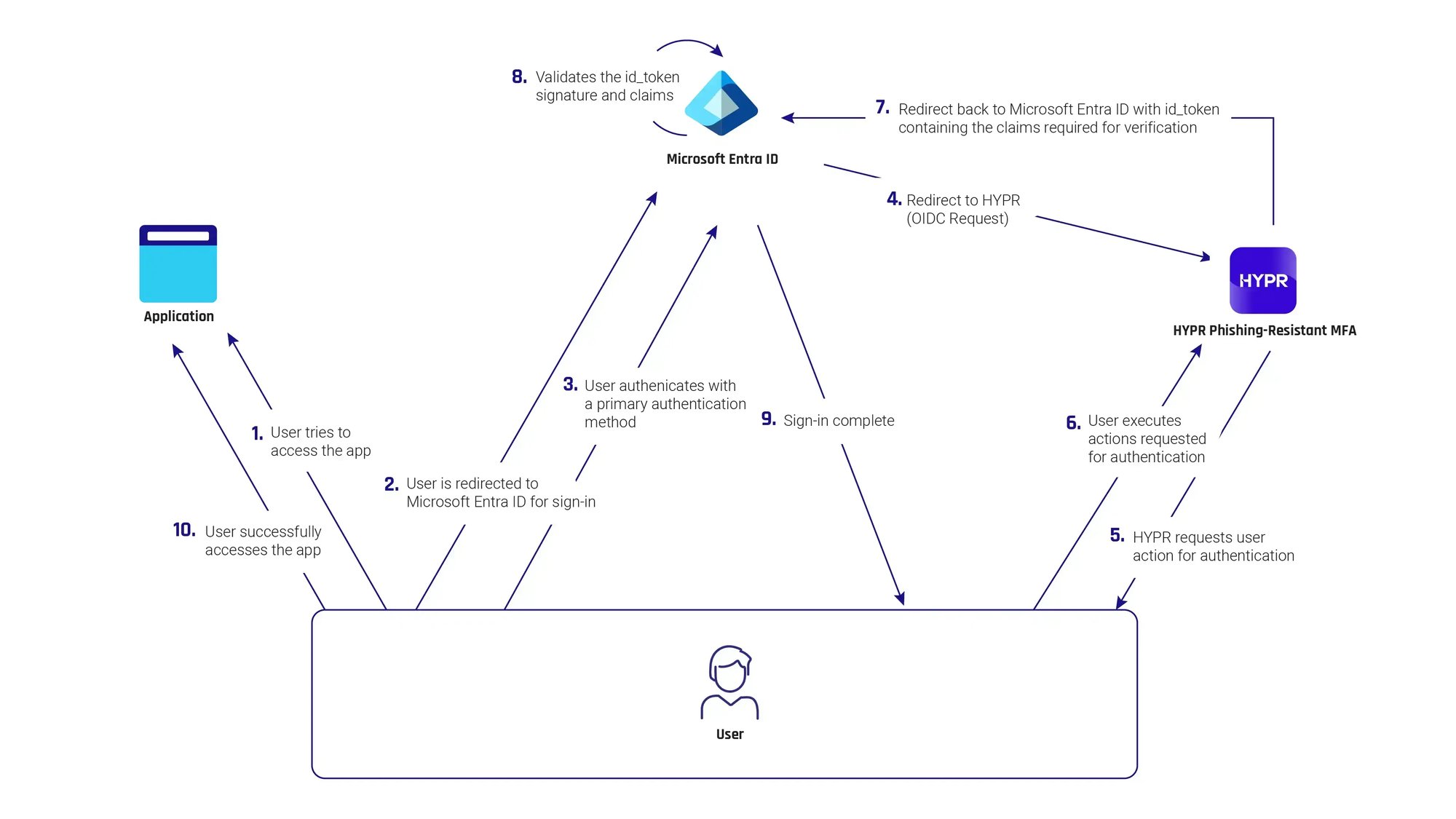
A screenshot showing the integration between Microsoft Entra ID ad HYPR
A lot of Windows Hello for Business deployments are described as passwordless, but very few actually are. Passwords tend to reappear during setup, recovery, remote access, device replacement, or exception handling. Windows Hello for Business users are regularly presented with multiple options at login: biometrics, PINs, passwords, and sometimes additional fallbacks.   HYPR enforces consistent passwordless authentication methods across all devices, environments, and recovery scenarios, and eliminates shared secrets end-to-end, not just in the primary login flow.

Passwordless should work wherever your users do

Enterprise environments often span multiple operating systems, shared devices, and non-Microsoft applications, such as:

  • Macs, Linux, mobile, and VDI
  • Shared and frontline devices
  • Hybrid and non-Microsoft apps

HYPR delivers FIDO-based, device-bound passkeys integrated with Entra while preserving your end-user experience. 

Identity Verification for Microsoft Entra ID

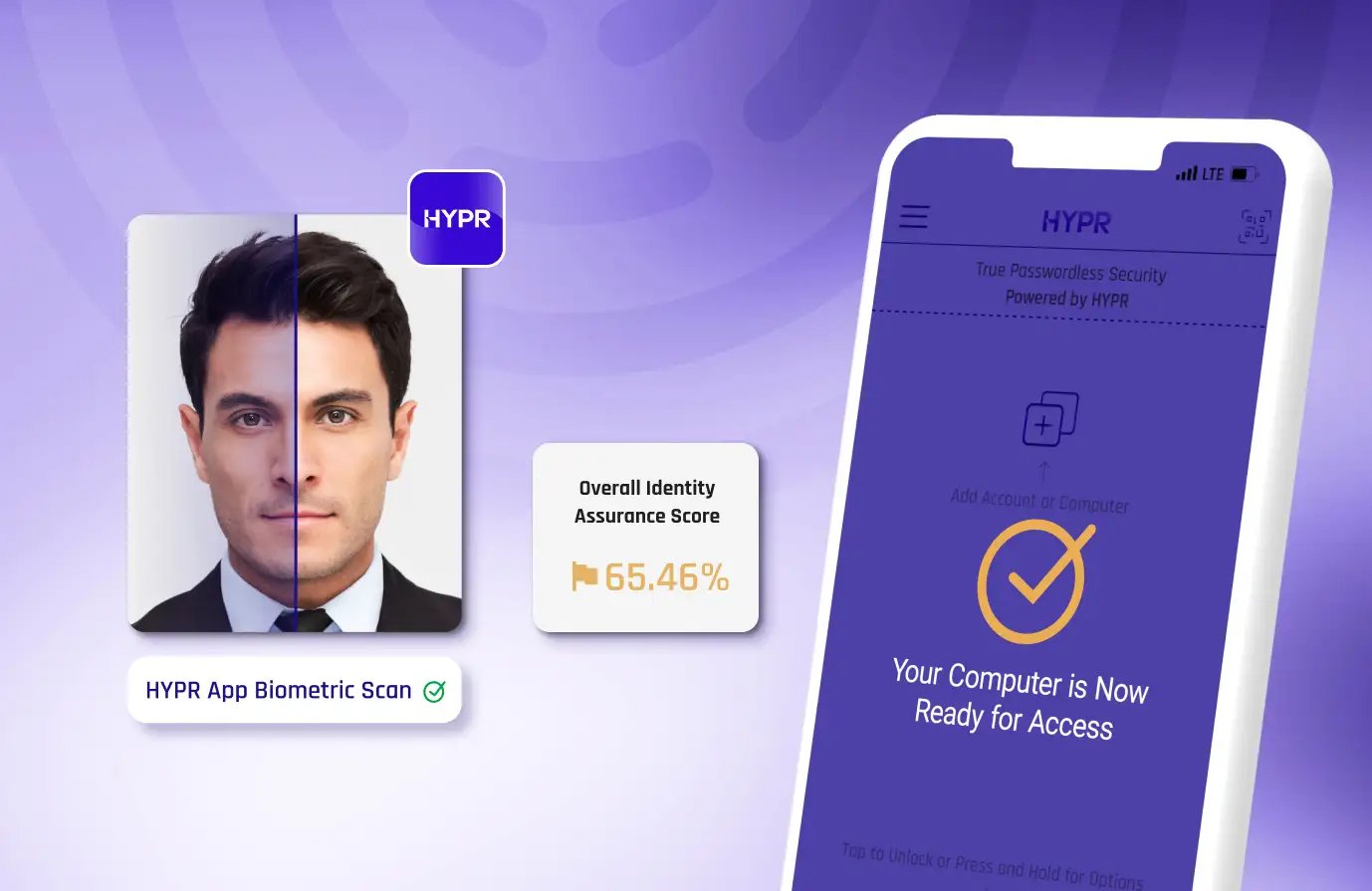
Passwordless authentication begins with a trusted identity. HYPR extends Microsoft Entra ID with high-assurance identity verification across onboarding, account recovery, device replacement, and other critical identity lifecycle events.

  • Remote employee onboarding
  • Secure Temporary Access Pass (TAP) issuance
  • Self-service and help desk account recovery
  • Microsoft Entra Verified ID enrollment
  • High-assurance identity re-verification

HYPR Affirm provides the trusted identity verification layer that strengthens Microsoft Entra throughout the identity lifecycle.

Entra-Integration-IA-score
HYPR-Entra_01_1378x895

When Passwordless Isn’t Consistent, Users Find a Way Around It

The success of a passwordless deployment isn’t measured by how well it works on one device. It’s measured by adoption, a result of how consistently it works across the enterprise. HYPR helps organizations deliver the same phishing-resistant experience across users, devices, operating systems, browsers, and applications.

  • One enrollment experience
  • One authentication experience
  • One recovery experience

HYPR External Authentication Methods (EAM) Integration

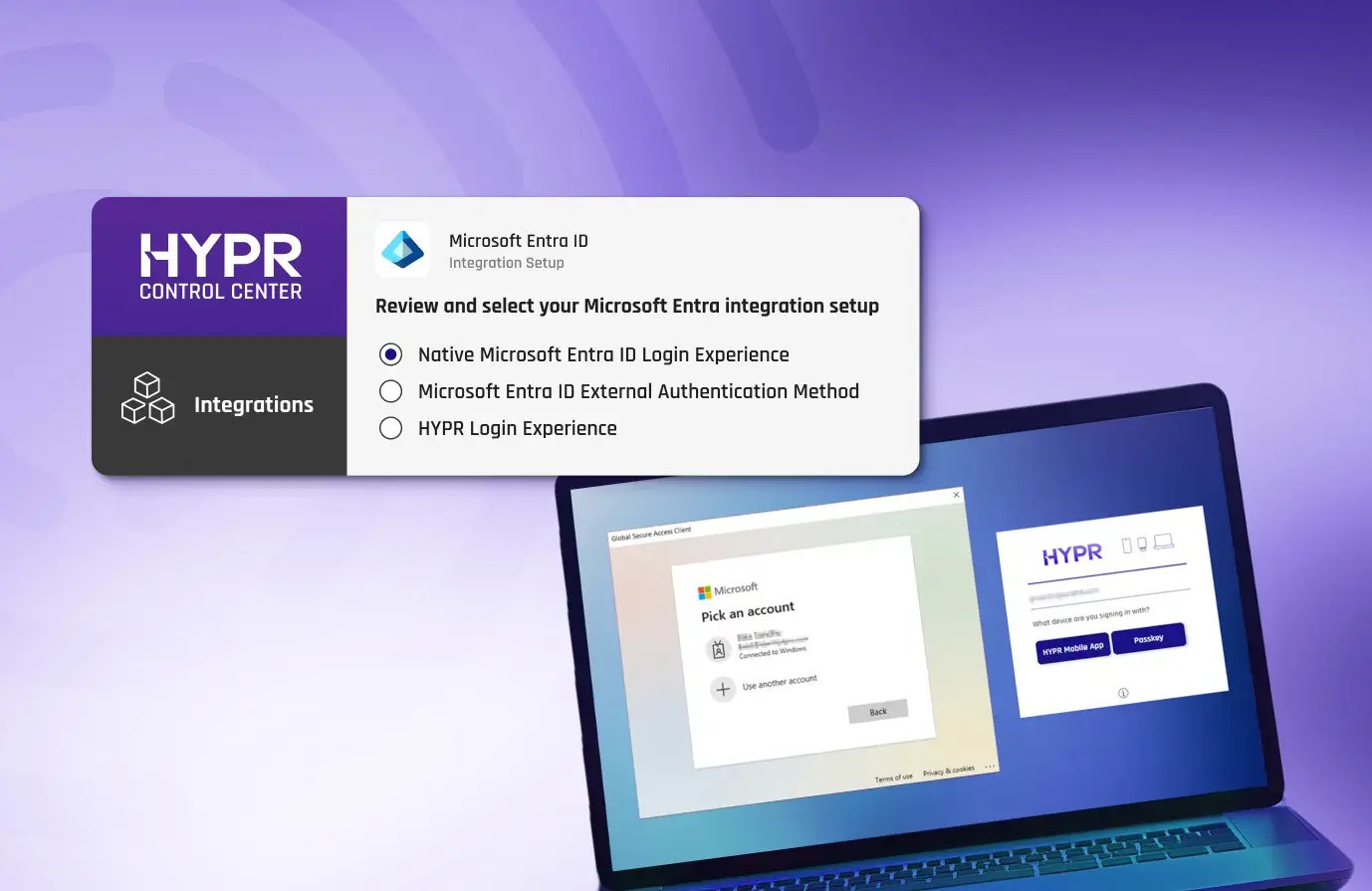
HYPR is an external authentication method (EAM) partner for Entra ID. With the HYPR–EAM integration, organizations can seamlessly use HYPR's phishing-resistant authenticator for their Entra ID multifactor authentication method, in Entra ID Conditional Access policies, Privileged Identity Management (PIM), and for Identity Protection sign-in risk policies.

How the HYPR Entra ID EAM Integration Works

A lot of Windows Hello for Business deployments are described as passwordless, but very few actually are. Passwords tend to reappear during setup, recovery, remote access, device replacement, or exception handling. Windows Hello for Business users are regularly presented with multiple options at login: biometrics, PINs, passwords, and sometimes additional fallbacks.   HYPR enforces consistent passwordless authentication methods across all devices, environments, and recovery scenarios, and eliminates shared secrets end-to-end, not just in the primary login flow.

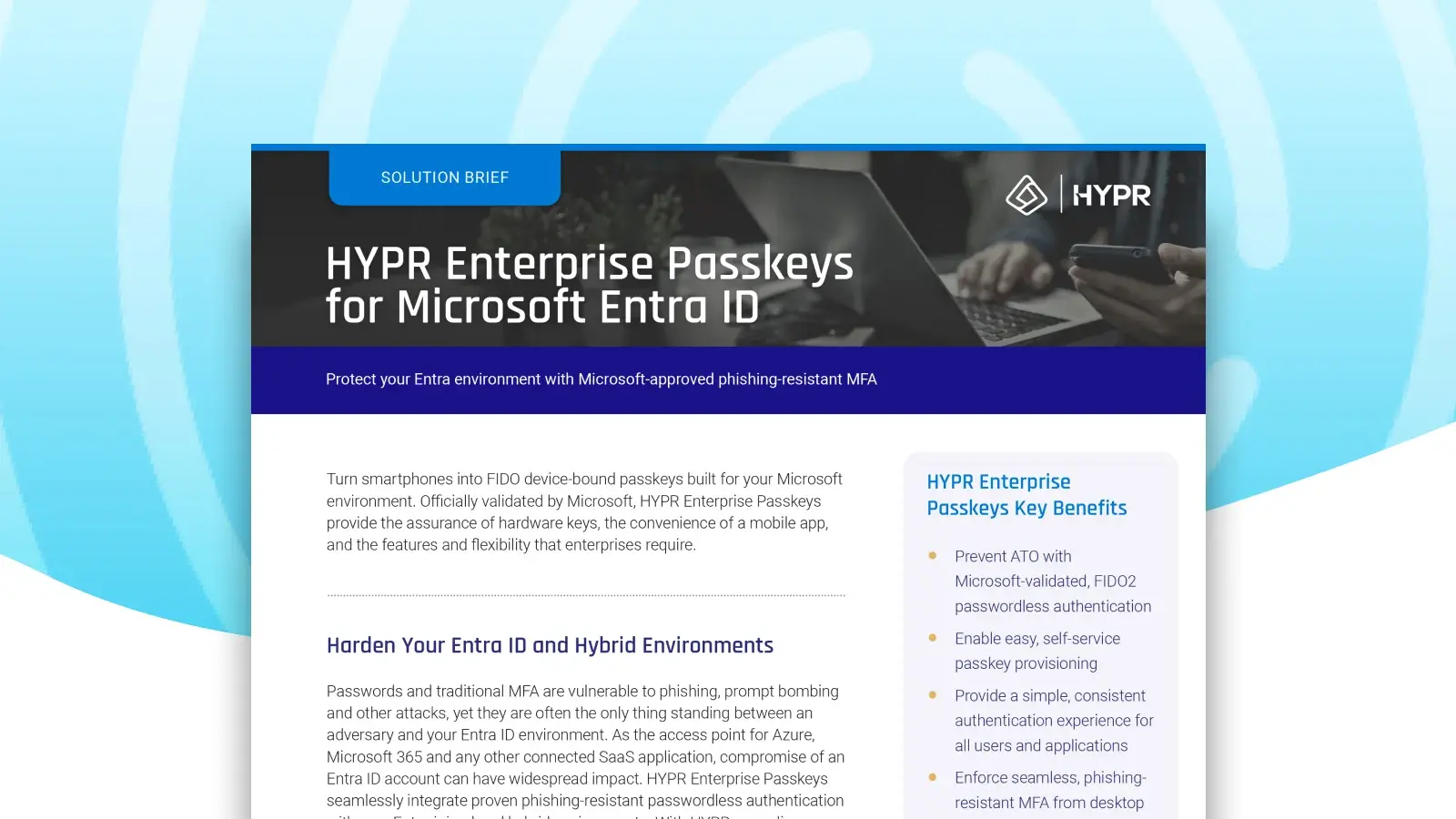
HYPR Enterprise Passkeys for Entra ID

Turn your smartphone into a FIDO device-bound passkey built for your Microsoft environment. HYPR Enterprise Passkeys provide the assurance of hardware keys, the convenience of a mobile app, and the features and flexibility that enterprises require.

  • Prevent ATO with Microsoft-validated, FIDO2 passwordless MFA
  • Enable easy, self-service passkey provisioning
  • Enforce phishing-resistant MFA across your organization, from desktop to cloud, across Entra and hybrid environments
  • Attest to passkeys provenance and ensure they never leave the registering device
  • Authenticate once to gain access to Entra ID and all downstream apps.
HYPR-EntraID-1600x900_02
    Ann Johnson
    “Password elimination is core to our vision for a secure Azure ecosystem. HYPR has proven to scale as a leader in Passwordless security, and an enabler of our shared vision for a world without passwords.”
    Ann Johnson
    Corporate Vice President Cybersecurity Solutions, Microsoft
    Susan Bohn
    We are excited to be working with HYPR to provide a modern approach to passwordless that delivers high levels of assurance with a simple and frictionless experience."
    Susan Bohn
    Vice President of Product Management, Microsoft
    Natee Pretikul
    The integration of Entra ID external authentication methods with HYPR provides our customers with the flexibility to employ their preferred MFA methods, including phishing resistant MFA, to defend their environments against evolving threats.
    Natee Pretikul
    Principal Product Management Lead, Microsoft Security

Technical Deep Dive

Explore HYPR’s architecture, protocols, and security model in depth. This technical module walks through how HYPR eliminates shared secrets, implements phishing-resistant FIDO authentication, and integrates with modern identity platforms.

With HYPR's integration for Entra ID, you drastically reduce your attack surface while making login faster and simpler for your users. It turns an ordinary smartphone or other device into a FIDO Certified, PKI-backed security key for a frictionless, phishing-resistant login from desktop to cloud. Transitioning to HYPR's passwordless authentication can significantly enhance both security and usability for organizations using Entra ID. The main benefits include:

  1. Enhanced Security: HYPR offers a true passwordless authentication experience, drastically reducing the risk of phishing attacks, credential stuffing, brute force login attempts, and other common password attacks.
  2. Improved User Experience: Without the need for passwords, users can sign in quickly and easily, leading to a smoother and more convenient login experience.
  3. Reduced IT Burden: Password-based systems place a heavy burden on security teams, who must set and inform users about policies, ensure high levels of security around storage, and manage resets.
  4. Device and OS Flexibility: Microsoft's native authentication methods often struggle with devices using non-Windows operating systems or multiple device types.
  5. Compliance Readiness: HYPR Authenticate adheres to regional, national and global security regulations and guidelines including PCI DSS, PSD2, CISA, OMB and others.
Microsoft's native authentication methods and Windows Hello for Business were primarily built for organizations operating in Windows-centric, single-device environments. For organizations using different operating systems, device types, shared environments, or remote workforces, Microsoft's native authentication methods often struggle with:
  • Shared access environments (kiosks, call centers, shared workstations, frontline terminals)
  • Non-Windows and mixed OS fleets (macOS, Linux, mobile)
  • VDI, and remote access platforms (Citrix, VMware, AVD)
  • Browser-based authentication and SaaS access
  • Recovery, step-up, and exception paths (offline mode)
You can learn more about common Windows authentication challenges in this article.
Yes, HYPR Authenticate can replace the Microsoft Authenticator app as a primary authentication method, specifically by offering phishing-resistant, passwordless, and biometric-based authentication for Microsoft Entra ID environments. Instead of 6-digit OTP codes or push notifications like those used in Microsoft Authenticator, HYPR uses FIDO-certified passkeys, allowing users to authenticate via their mobile devices or desktop biometrics.
A lot of Windows Hello for Business deployments are described as passwordless, but very few actually are. Passwords tend to reappear during setup, recovery, remote access, device replacement, or exception handling. Windows Hello for Business users are regularly presented with multiple options at login: biometrics, PINs, passwords, and sometimes additional fallbacks. 

HYPR enforces consistent passwordless authentication methods across all devices, environments, and recovery scenarios, and eliminates shared secrets end-to-end, not just in the primary login flow.

Request a Demo


Experience passwordless MFA that secures and empowers your business. See what identity verification built for the workforce looks like. Learn how comprehensive Identity Assurance protects the entire identity lifecycle.

Get a demo from an identity security expert, customized around your organization’s environment and needs.